cell_tower
One-Tap Multistream
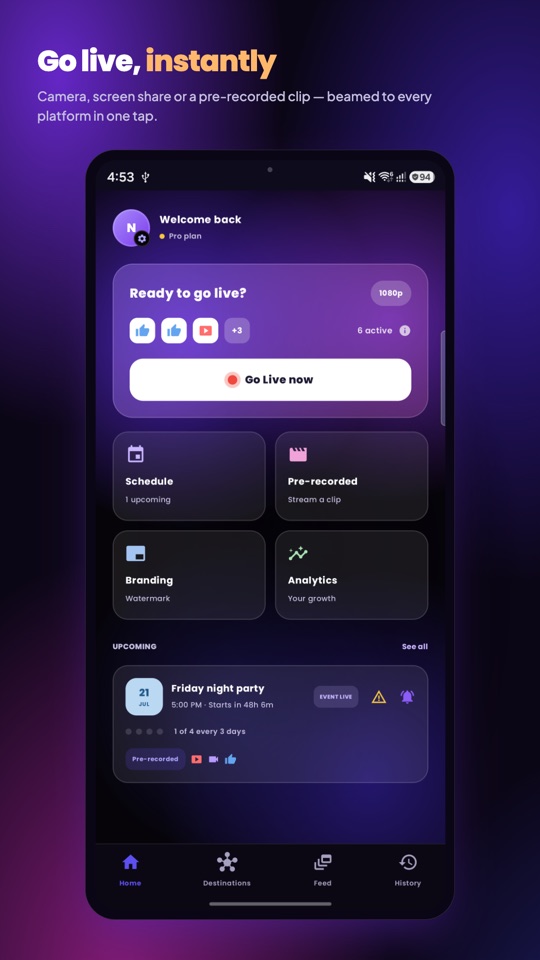
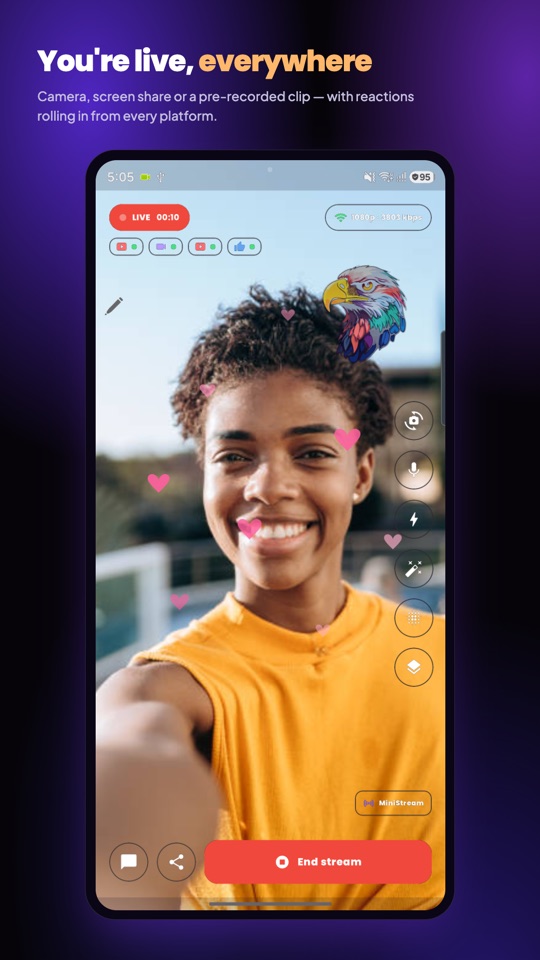
Camera, screen share, or a pre-recorded video — beamed live to every connected platform at once, in up to 4K, from a single tap. A three-second countdown shows the real shot before you are on air.
forum
Unified Live Chat
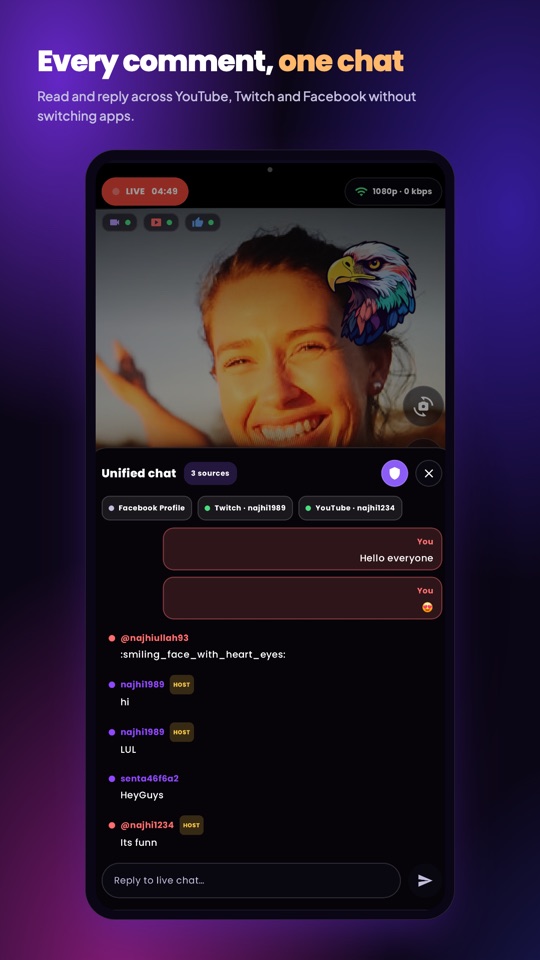
Every comment and reaction from YouTube, Twitch and Facebook lands in one merged feed while you stream, and you can reply to YouTube chat right from the panel. Comments on your posts get their own inbox.
hub
Destinations & Custom RTMP
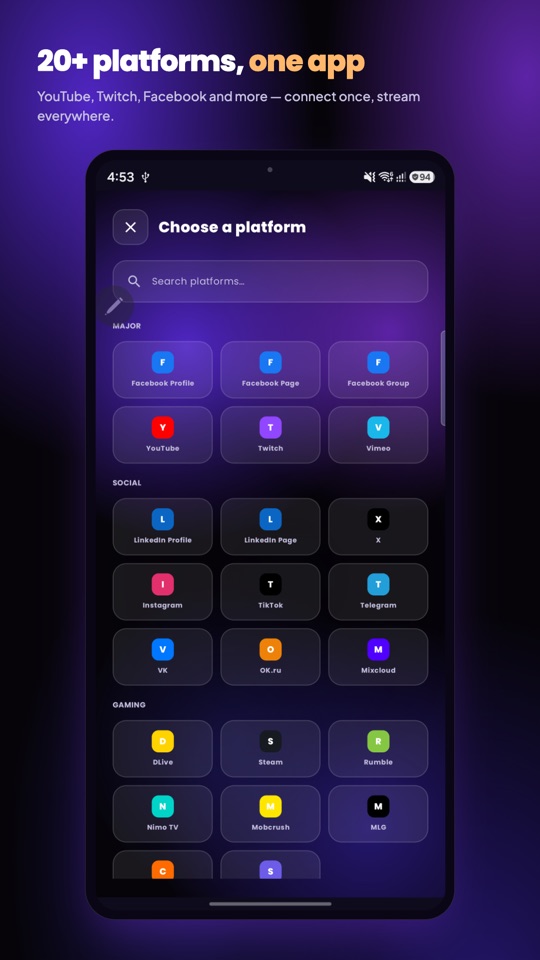
One-tap connect for YouTube, Twitch, Facebook profiles, Pages and Groups, Instagram, TikTok and Vimeo — or paste a server URL and key from any RTMP service. Toggle any destination on or off before you go live.
face_retouching_natural
Looks & Background Blur
Eight looks — Smooth, Glow, Warm, Cool, Fresh, Mono, Vivid and Glam — plus background blur, rendered into the stream itself. Everything runs on your phone; nothing about your face ever leaves it.
branding_watermark
Branding & Live Overlays
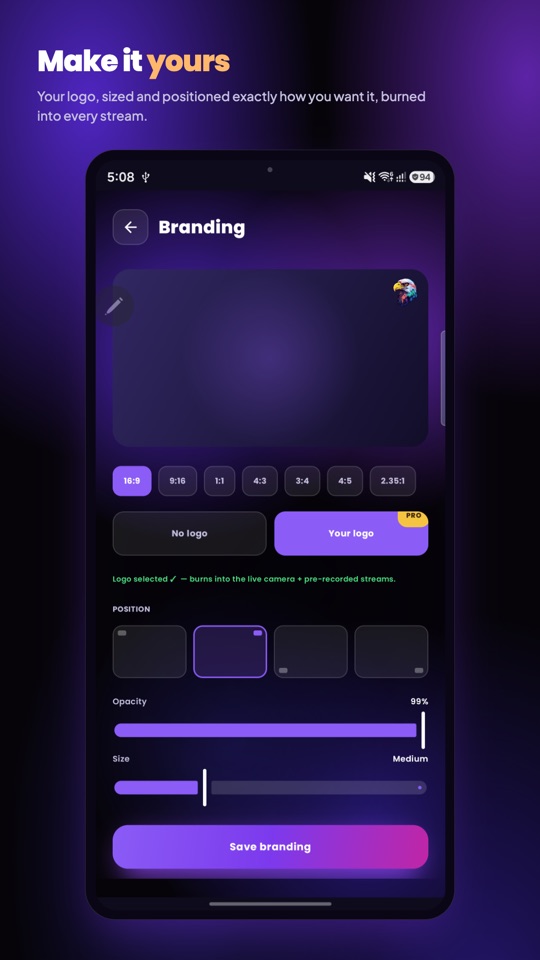
Burn your logo into every broadcast — corner, size and opacity your choice — and drop in lower thirds, tickers, sponsor cards and scannable QR links while you are live. Paid plans carry no MiniStream mark.
auto_fix_high
AI Captions, Hashtags & Recaps
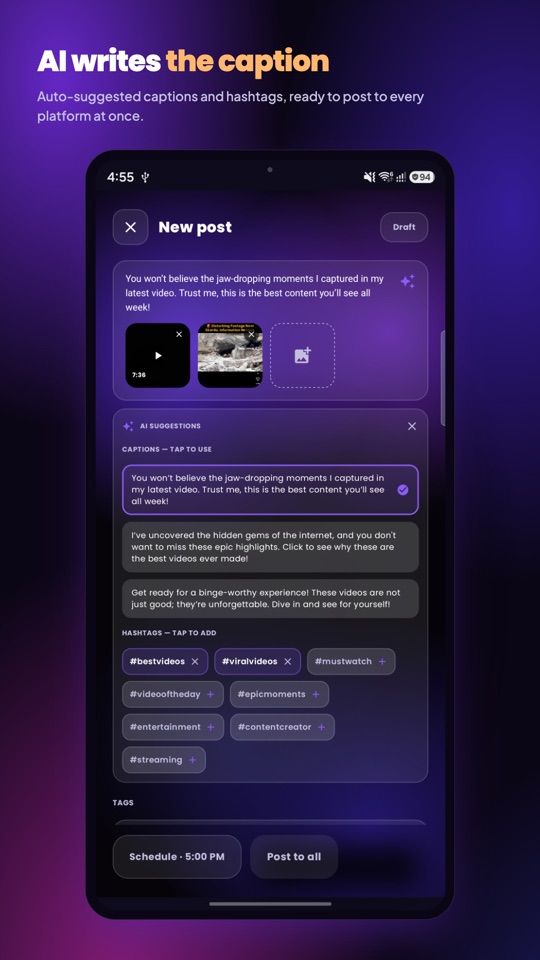
Captions and hashtags written per platform, plus a post-stream recap you can send straight to the composer. Your video never goes to an AI provider — only the text you are working on.
content_cut
Highlights From Your Stream
Every stream is recorded on your own device while it airs. Afterwards MiniStream scans it for the loudest moments and offers them as short clips, ready to trim and publish.
movie_edit
Built-In Clip Editor
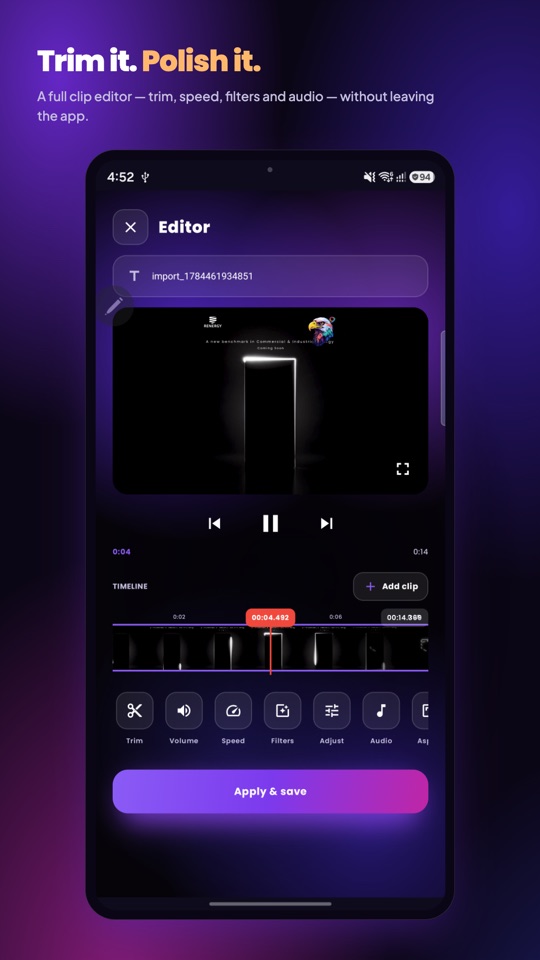
Trim, adjust speed, apply filters, grade, mix audio and join clips on a real timeline, then stream the result as if you were live — or post it. Polish it without ever leaving the app.
event
Scheduling & Cloud Playout
Plan one show or a whole series. A clip in cloud storage airs from the cloud with your phone switched off; camera shows send you a reminder. Supported platforms get an "Upcoming" event with your own thumbnail.
insights
Analytics & History
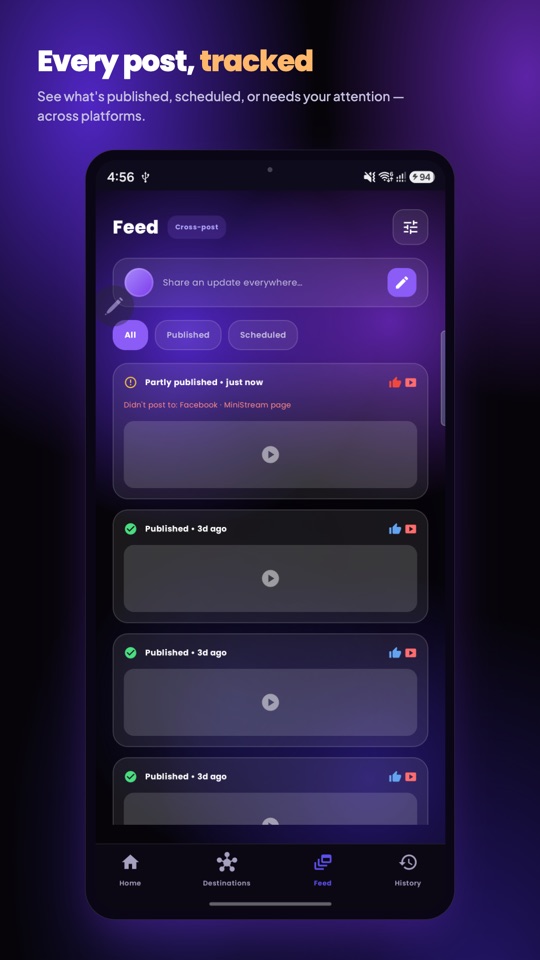
Viewers, followers and post engagement across every account over 7, 28 or 90 days, with a watch-time chart and a searchable, filterable history of every broadcast. A dash means the platform didn't report it — a 0 means it was measured.
bookmarks
Stream Templates
Save a whole setup — title, destinations, quality, orientation, source and every camera setting — and start your next show exactly the way the last one ran.
health_and_safety
Built to Stay On Air
Automatic reconnects, a watchdog that tells you when a platform never actually started, per-destination health, fresh one-shot keys for every broadcast, and heat handling so a long stream doesn't die in your hand.
 MiniStream